Features
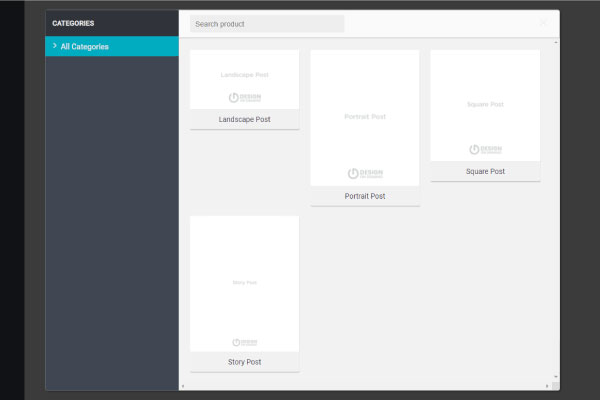
Predefined Size
Go to PRODUCT and select the size of your post. Recommended to use Square Post

Prebuild Templates
Go to TEMPLATES and choose your preferred design.

Editable Design
Most of the elements can be resized, rotated and moved to your liking. You can add or delete any element

Upload Logo and Images
Go to IMAGES --> Upload and select the logo or image that you would like to include
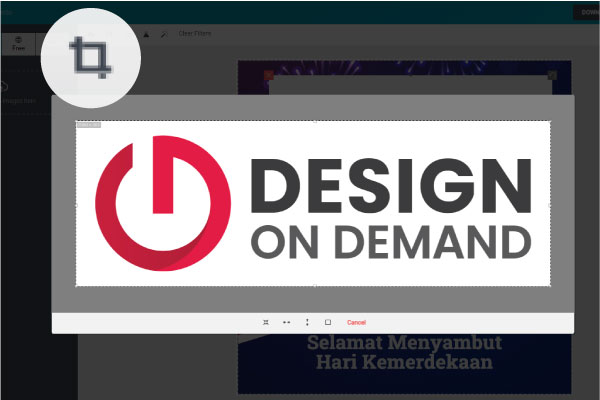
Crop Image
Click on the icon and you can crop the image from the built-in tool

Remove Background
Click on the icon and you can remove white or black box around the logo to make the background transparent

Filters
Click on the icon and you can touch up the image with the filters

Layered Design
Go to LAYERS and manage the objects. You can also click on the icon on the top right to move the elements to the top or bottom

Mask Layer
Click on the icon and you can overlay image on text or shape

Object Position & Alignment
Click on the icon and you can position and align the object

Object Transform
Click on the icon and you can rotate, skew and flip the object

Fill Object
Click on the icon and you can fill the object with custom color

Add Text and Wording
Go to TEXT and drag to add new text

Text Tool
You can edit the font, size, spacing, alignment and height of the text

Text Effect
You can make the text more curve, fisheye effect, oblique, and convexo-concave

QR Code Generator
You can generate and customize your own QR code with our built-in QR code generator

Undo & Redo
Don't worry to explore your creativity. You can undo and redo the actions

Export & Import Design
Click Save as file to export your design template and click Import file to upload your design template into the editor
Create Your Own Unique Design
Design On Demand Solution ©2025. All Rights Reserved.